
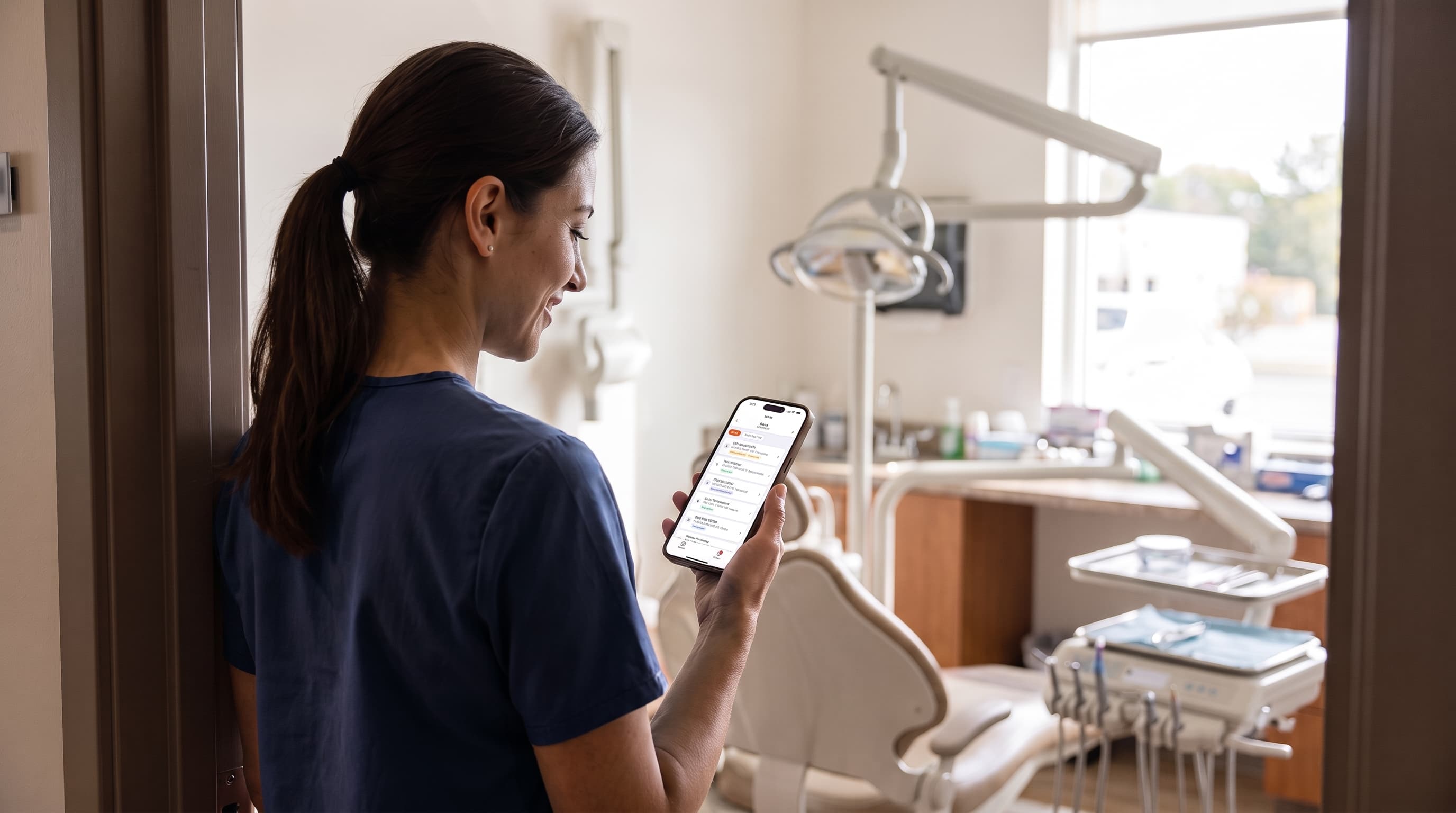
Big takeaway: The VoxHealth Staff app puts your schedule, calls, and patient conversations on your phone so you can manage the day from anywhere.
Handle calls and messages from anywhere
Every call the AI agent handles includes a complete record. The app shows the patient's name, a recording, a speaker-by-speaker transcript, what the caller wanted, and exactly how the call ended.
Calls that still need a person are flagged on your home screen. You can assign them to yourself or a colleague using the same follow-up states as the web app.
The texting inbox puts your practice line in your pocket. You see the full thread and the patient's name attached. Reply directly, or tap a quick reply set by your administrator. A separate tab holds all office voicemails.
You can call patients back directly from the app. You can also get an alert on your phone when a new call comes in. Both call alerts and calling from the app are turned on per practice. The app asks "Get notified of new calls?" on first launch; change this anytime in your settings.
Manage your schedule and patients
You do not need to walk back to the front desk to check your next appointment. The app puts a day view in your hand, organized by chair or by provider.
You see who is confirmed, who is new, and what procedures each visit includes. You can easily spot patients whose insurance is unverified, run an eligibility check, and view the result immediately.
When a patient asks about scheduling a follow-up, the app shows the soonest opening at each office by visit length. You can search for any patient by name, phone number, or chart number. Their profile shows contact details, past and upcoming visits, insurance status, and current balance. If they owe money, you can text them a statement directly.
Speed up clinic workflows
The app moves intake and clinical tasks off the desktop monitor.
- Patient intake. Run the app on an iPad or tablet in patient mode. Patients fill out forms digitally and photograph their ID or insurance card. Staff unlock the device to exit patient mode. You can also text or email forms, and review the new patient details the agent collected on the phone, including whether the chart was created.
- Clinical notes. Providers can record a visit to generate a draft clinical note using the practice's template, then edit and sign it.
- Treatment plans. View patient treatment plans during a consultation.
- Staffing and waitlists. View a waitlist screen, or check the weekly staffing strip to see who is in, who is out on paid time off, and office closures. Providers get a focused "My schedule" view.
Customize access for your team
Every team member works differently. Each user selects the specific screens they want on their tab bar. The home screen only shows the action counts relevant to that person's role.
Your practice administrator controls which features the office uses, and the app only shows what is turned on. If you have multiple locations, you can switch between offices instantly.
The app uses multi-factor sign-in, stores your session in the device keychain, keeps patient data in your VoxHealth account, and operates under a signed Business Associate Agreement.
What the app doesn't do
Mobile apps are built for speed. They do not replace every desktop function.
The VoxHealth Staff app is strictly for practice staff. It is not a patient app, and it does not provide medical advice.
It is also not built for running heavy billing reports or auditing dense clinical histories. Those tasks still belong on a desktop monitor.
Get the app
If your practice has a VoxHealth account, the app is free for your staff. You sign in with the exact same account you use on the web, with the same data and permissions.
Download VoxHealth Staff for iPhone, iPad, and Android at voxhealth.ai/mobile-app